Download Desktop App
Fresh architecture, stronger performance, and better compatibility across more websites and broader use cases.
Upgraded version
RecommendedRebuilt for better performance and a smoother overall experience.
- 🆕 Modern UI with improved information layout
- ⚡ Faster extraction and download flow
- 🚀 Continuous feature enhancements with more capability
Classic version
A stable and reliable build, ideal for older devices or lower-spec systems. Can be installed and used alongside the upgraded version.
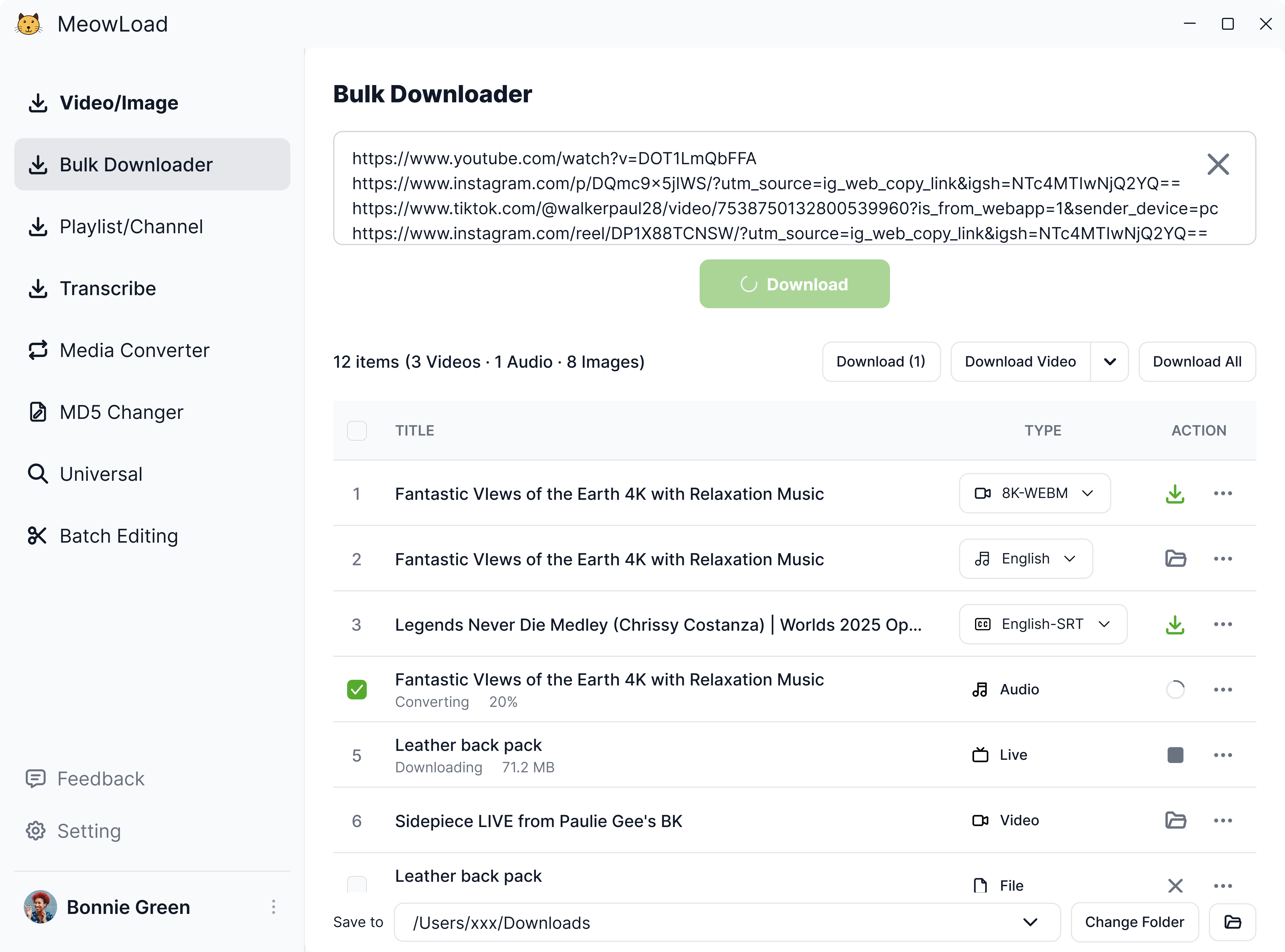
Supports 1000+ websites
Download videos, livestreams, music, image sets, and more from 1000+ supported sites — including YouTube, X (Twitter), Instagram, TikTok, VKontakte, Facebook, Bilibili, and more — all in one click with fast, broad compatibility.
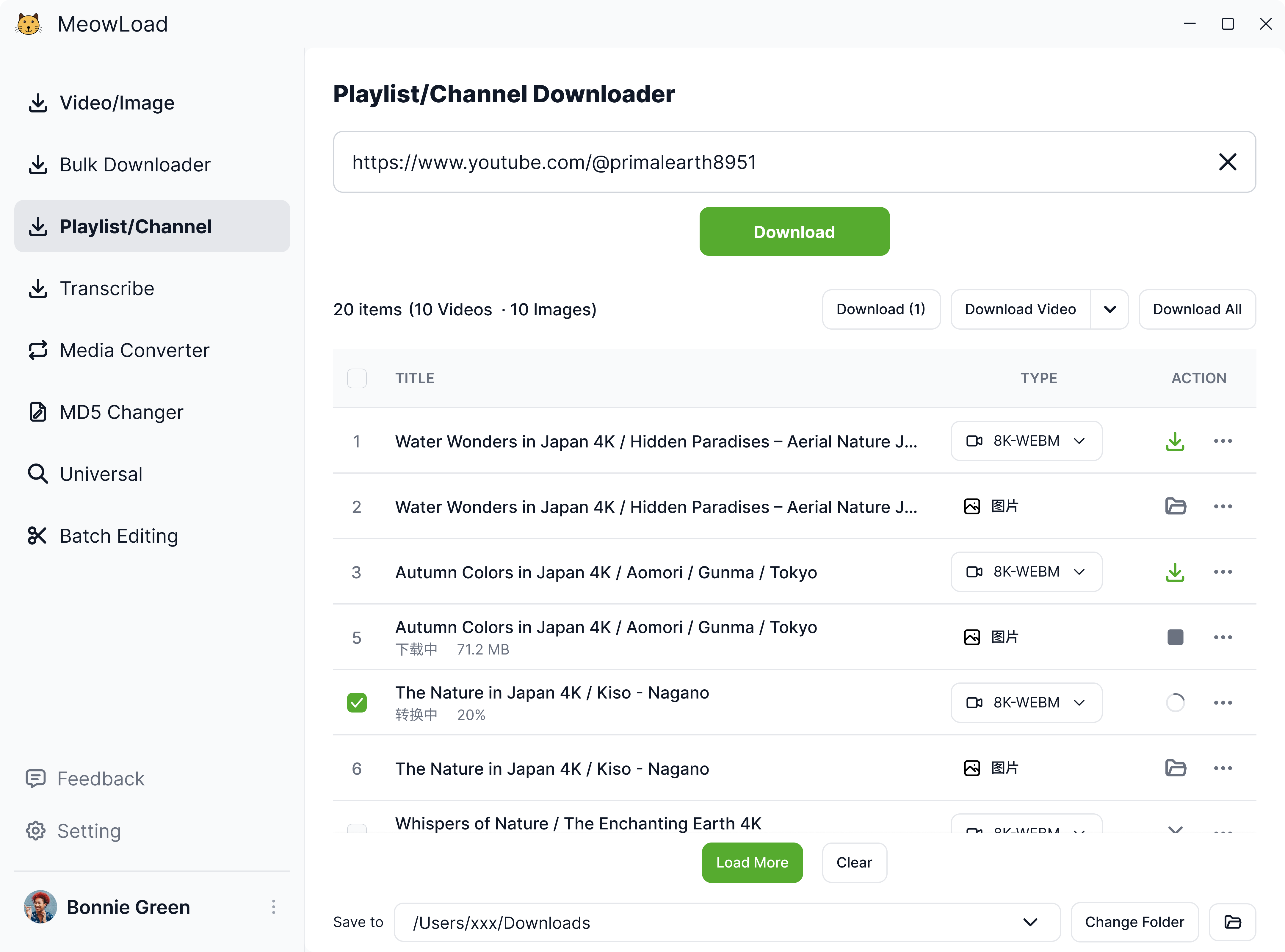
Playlist & channel bulk downloads
Supports playlists, channels, creator homepages, collections, and hashtag pages across platforms like YouTube, Instagram, X (Twitter), TikTok, Bilibili, and more. Download everything in one go for a faster, more streamlined workflow.
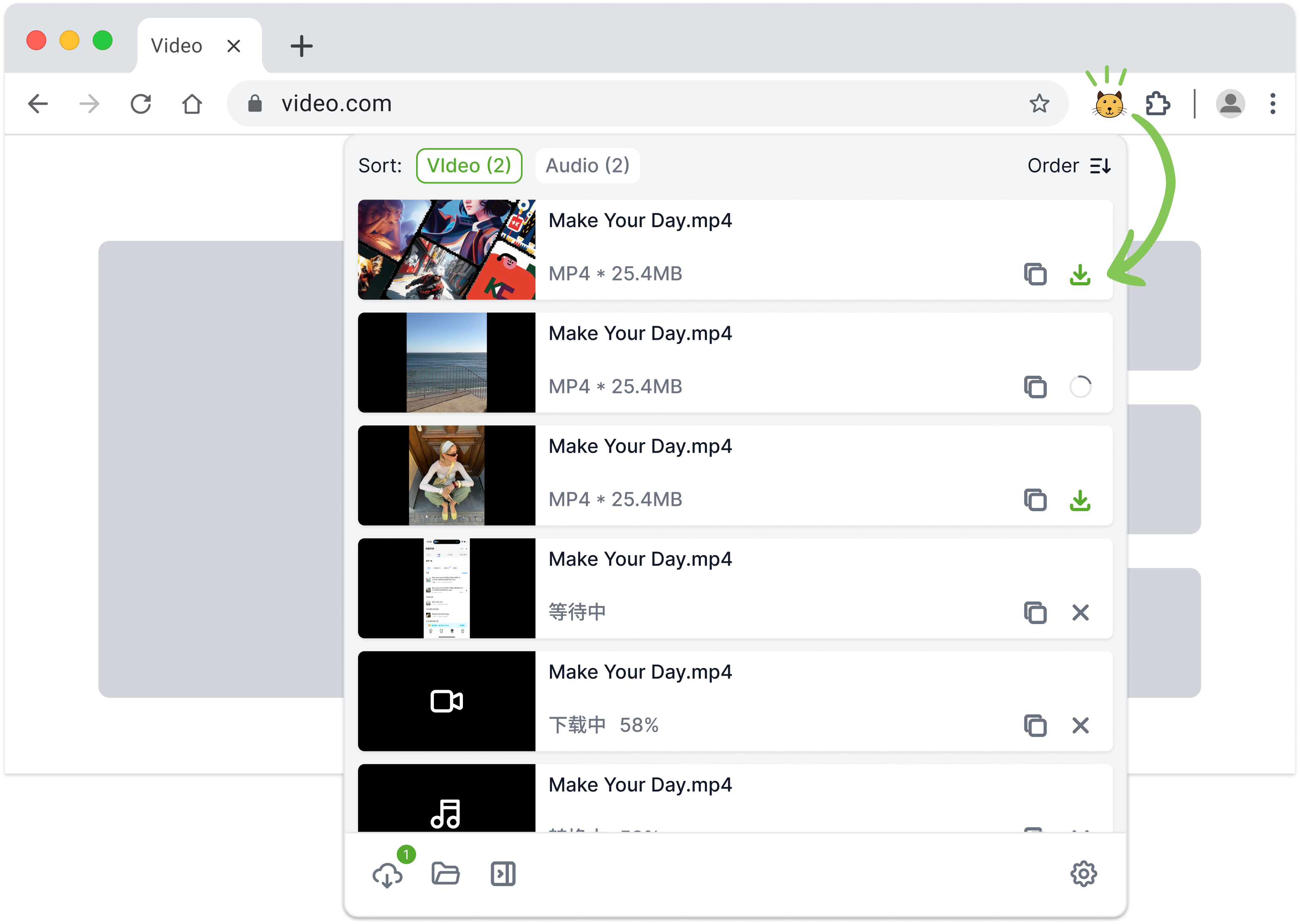
Universal media downloaderNEW
Powered by a new browser-extension engine that detects playable media directly from any webpage. Whether it's short-form clips, music, movie scenes, or livestreams, if it plays in your browser, you can save it.
More features
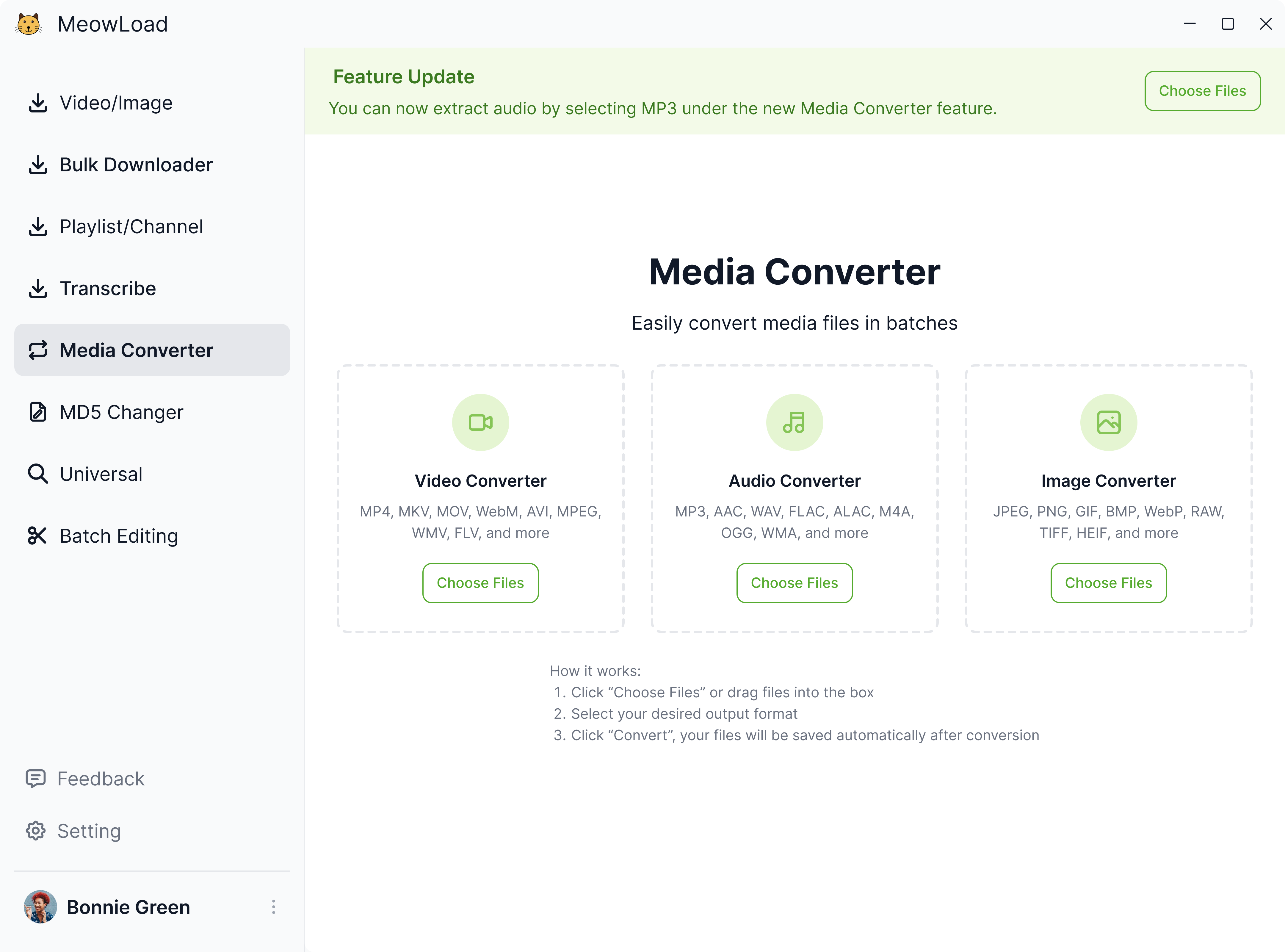
Batch format conversion
NEWConvert multiple media files at once and quickly output them in the format you need.
Extract text/subtitle
Coming soonPaste a link or upload a file to extract text or subtitle.
Batch MD5 modifier
Reset MD5 values for multiple files in one click.
Continuous updates
We continuously roll out new practical features.
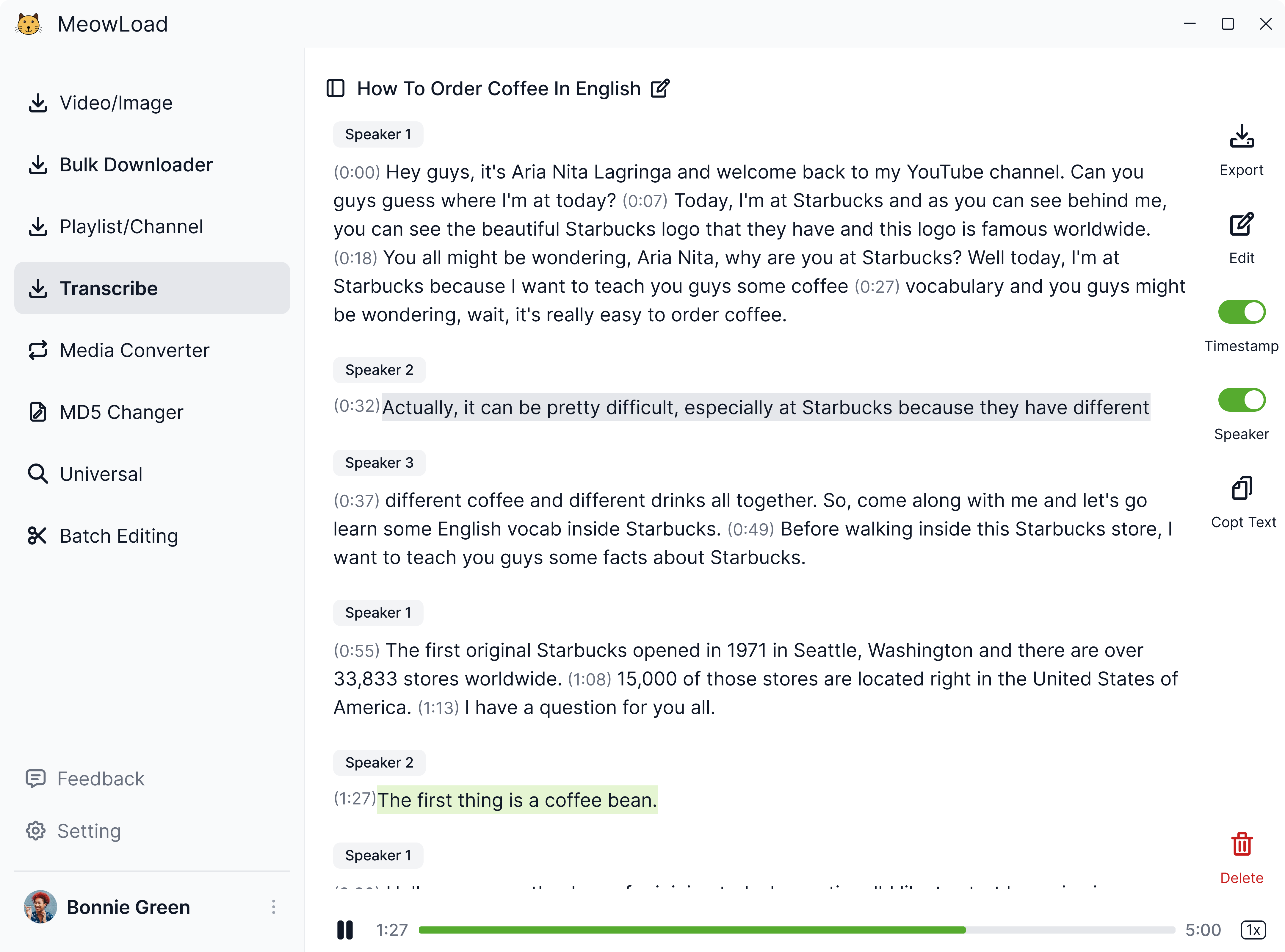
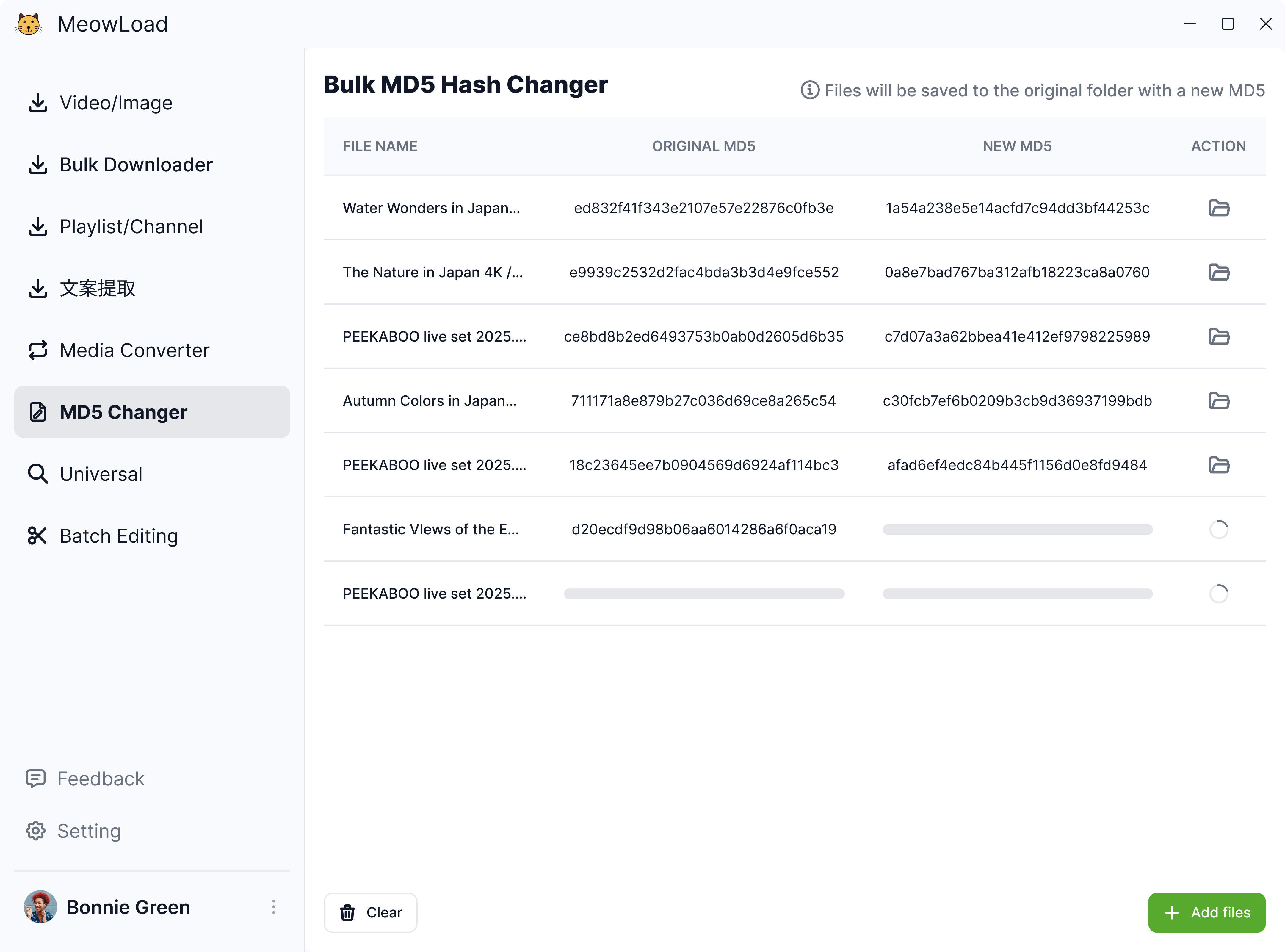
Powerful features designed to simplify every task
1000+ websites supported
Download videos, music, and images from 1000+ popular platforms including YouTube, Bilibili, and TikTok. Save everything locally in seconds—fast, easy, and reliable.
Ultra-HD quality – 8K lossless download
Supports resolutions up to 8K, 4K, and 1080P. Ideal for editing, content creation, or HD viewing—delivering cinematic-grade clarity.
Playlist & channel download
Download entire playlists or creator channels from YouTube, Instagram, TikTok, and Bilibili. Just paste the homepage link, and everything is auto-detected and downloaded—no repeated actions needed.
Universal media downloader
Automatically detects any audio or video playing in your browser—from music and short clips to full movies or live streams. Once it starts playing, you can save it instantly with one click—never miss a moment.
Multi-link downloads
Paste up to 30 post links at once. Download all videos, audio or images in one click after retrieving.
Batch format conversion
Extract audio from videos or convert multiple media files—videos, music, or images—in bulk. Set your output format once and export everything with one click.
Cross-platform support
Works seamlessly on web, Windows, and macOS. Your downloads and membership benefits stay synced across all devices—anytime, anywhere.
Smart MD5 editor
Instantly edit file MD5 hashes in bulk—no technical skills needed. Create unique identifiers to prevent duplicates and keep your library organized.
Frequently asked questions
- Windows: Windows 10 (64-bit) or newer
- macOS: macOS 10.15 (Catalina) or later
- Mobile: Currently accessible via mobile browsers. Dedicated mobile apps will launch soon.
We support 1000+ platforms, including:
YouTube, Instagram (Stories/Reels), Twitter, TikTok, Threads, Facebook, WeChat Channels, Doubao, Vimeo, Reddit, Snapchat, Pinterest, Twitch, SoundCloud, Bilibili, rednote, Tumblr, and more.
- Verify your device meets the system requirements.
- Terminate conflicting background processes.
- Download and reinstall the latest client version.
- Contact support with error details for further assistance.
- After downloading the client above, follow the steps to install it.
- The desktop app provides basic functions that can be used for free, while advanced functions (such as batch download and playlists/channel download) require a premium subscription before use.
You can claim credits through Account-Free Daily Credits or sharing the site via the Refer & earn. Credits are valid for Video/Album Download.
Try our trial membership to access all premium features.