Universal Media Downloader
Download videos, audio, images, and livestreams while browsing the web
 Add to Chrome
 Add to Edge
Other browsers:.zip installation package
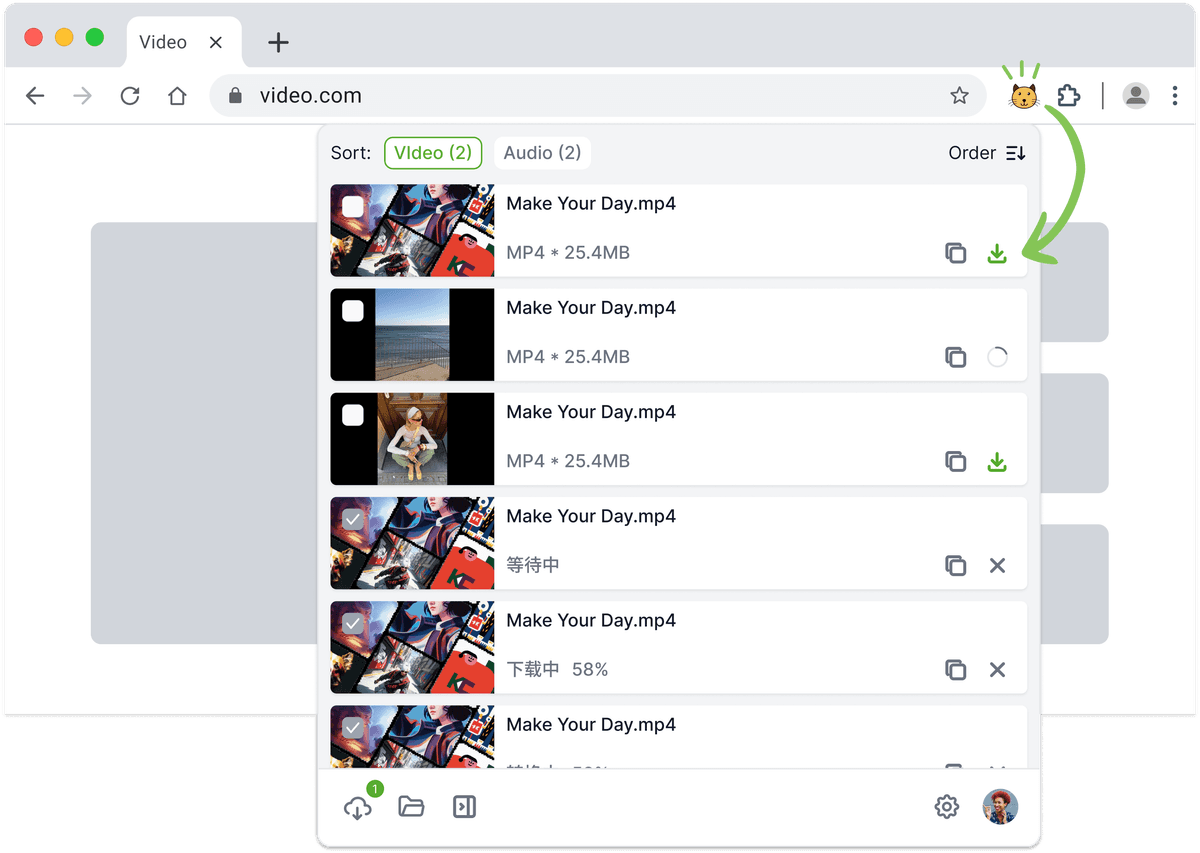
Collect web media more efficiently
Automatic media detection
Automatically detects videos and audio on webpages as you browse, no need to copy links manually.
Unified media list
Collects all detected media into a clean, structured list for easy viewing and selection.
Multiple formats & quality detection
Identifies media in different formats and quality levels to fit various usage needs.
Quick image actions
Detects images on webpages and allows quick preview and one-click saving.
Desktop app collaboration
Works together with the desktop app to handle long videos, large files, and livestreams more reliably.
Simple & lightweight experience
No complicated setup required—open a page and start discovering media instantly.
Frequently asked questions
Chrome and Edge, each from its own extension store. Once installed it is worth pinning it to the toolbar so it is always within reach.
You do not. While you browse, the extension picks up the audio and video on the page and lists what it finds in one place for you to choose from, which removes the copy-the-address-then-paste-it-elsewhere step.
It can. Besides audio and video, the extension offers quick saving for images on the page, so a page full of pictures no longer means right-clicking through them one by one.
The extension is what spots the resources while you browse; for long videos, large files or live streams — the cases where stability matters most — handing the download to the desktop app holds up better. The two are meant to be used together.