Resize & Aspect Ratio
Batch unify video dimensions with support for mirroring and smart padding.
Automate your video workflow by batch resizing, filtering, and removing silences in one click to maximize production throughput and eliminate manual labor.
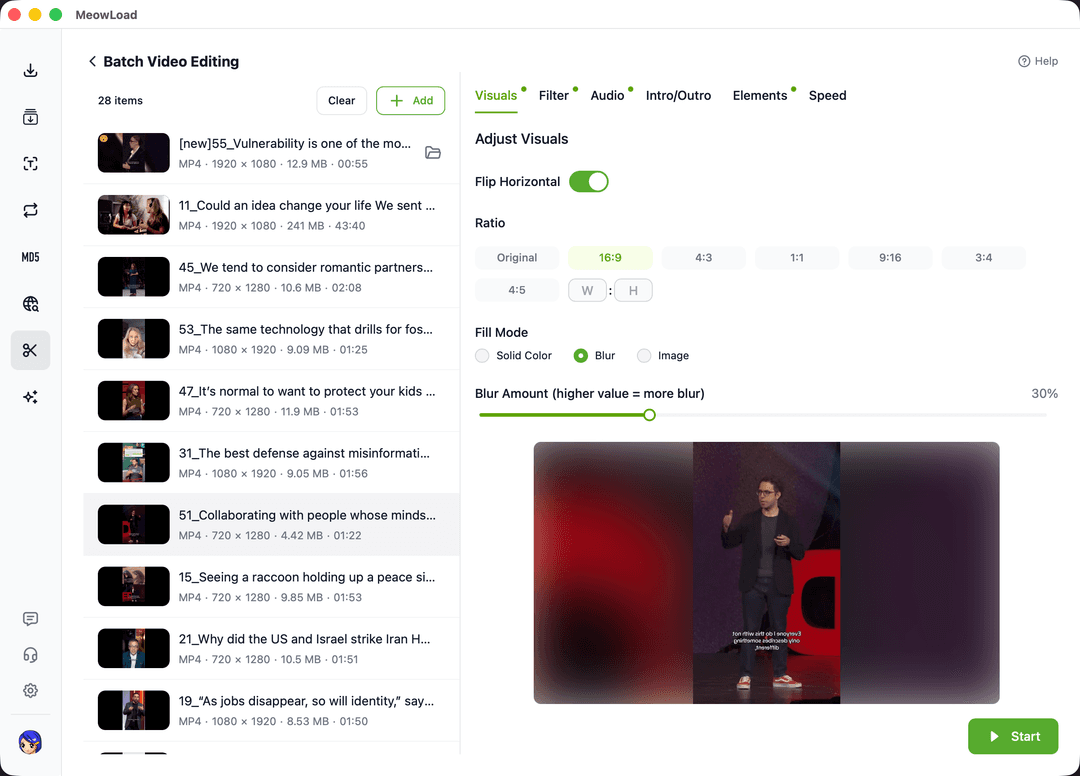
Accelerate your creative workflow with highly automated and combinable editing features.
Batch unify video dimensions with support for mirroring and smart padding.
Apply stylistic filters to hundreds of videos instantly for consistent aesthetics.
Quickly strip original audio tracks to create clean clips for voiceovers or new BGM.
Automatically detect and cut silent segments to keep your content engaging.
Replace opening and closing clips across your entire library in one operation.
Modify the playback speed between 0.25x and 4x to suit various platform requirements.
Protect your content by applying brand logos or text to all videos at once.
We are constantly expanding our automation suite with new creative tools.
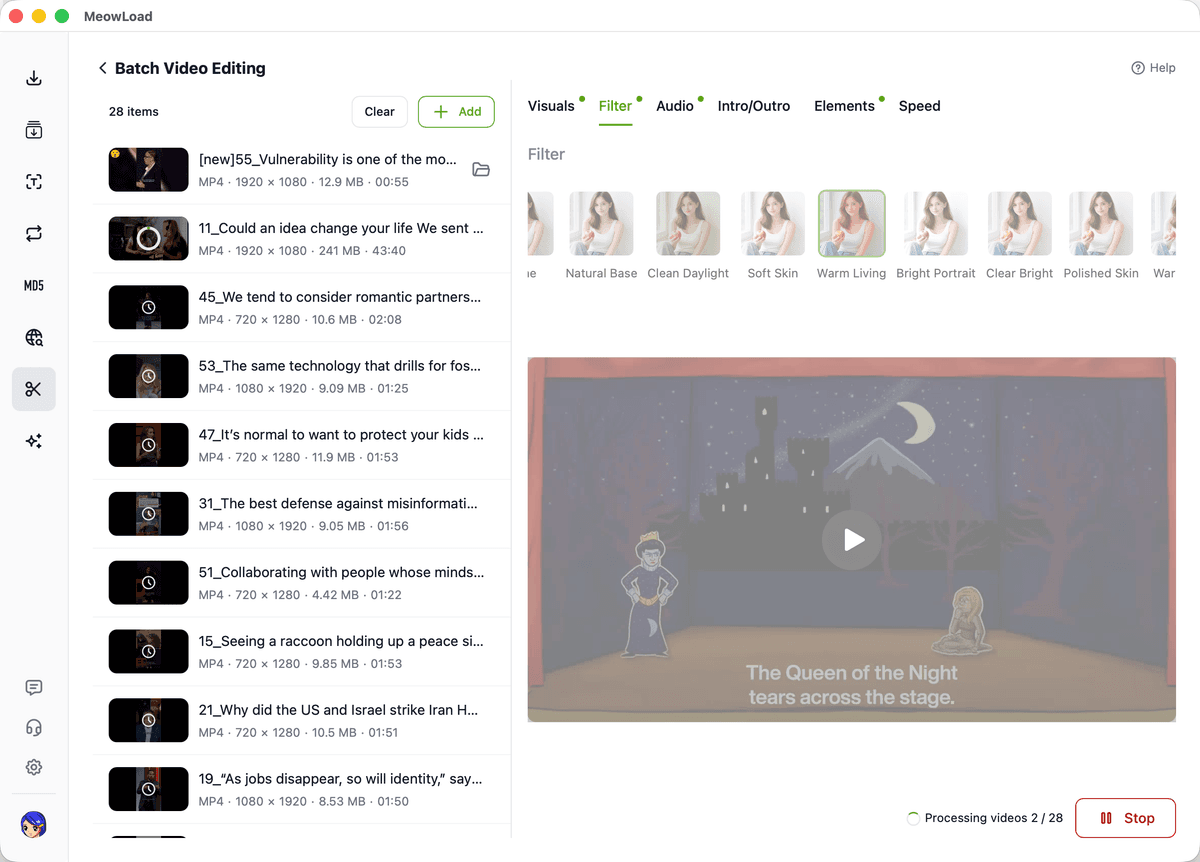
Providing stable and continuous batch processing for professionals focused on efficiency.
Ensure every video in your campaign adheres to the exact same aspect ratio, color grade, and branding layout.
Consolidate repetitive manual editing steps into a single, automated workflow that runs without constant supervision.
Leverage your local hardware power for rapid output generation without the bottlenecks of cloud-based processing.
Delegate repetitive editing to automation and focus your time on the core content that matters most.